From Swatches to Scans: Connect Palette Vibe Color Systems to Real-World Engagement with QR Codes
Design decisions you can measureColor work lives in two places: the design tool where you choose tokens, and the moment a real person reacts to your choices in the wild. QR codes bridge those worlds. With Palette Vibe, you build accessible, on-brand palettes with clear names and exportable tokens. With QR Scan Pro, you attach those palettes to posters, mood boards, packaging, and demo stations—then measure what actually resonates. The result is a loop that upgrades taste and outcomes: better palettes, better scans, better sales.
Make Palettes People Can Experience
A flat PNG of swatches is fine for internal review; it is weak for feedback. Instead, export Palette Vibe tokens (CSS variables, Tailwind, or JSON) and publish an interactive preview page where users can toggle themes, surfaces, and accents on real UI components. Place a dynamic QR code on your printed brand board that opens the latest interactive preview. Now the same board at your desk, in a conference room, or at a trade show stays current without a reprint. Dynamic codes push updates instantly.
AB-Test Colorways in the Real World
Create three Palette Vibe variants—e.g., Warm Amber, Cool Teal, and Neutral Slate. Publish each to a dedicated preview URL. Generate three dynamic QR codes and label them clearly. On a poster or countertop card, place the three codes side by side with short prompts like “Which mood reads best to you?” In QR Scan Pro, watch scans per variant and time-of-day patterns. If Amber wins mornings and Teal wins evenings, that is a usable insight for campaigns. You are learning in hours what used to take a week of opinion threads.
Close the Loop with Tokens
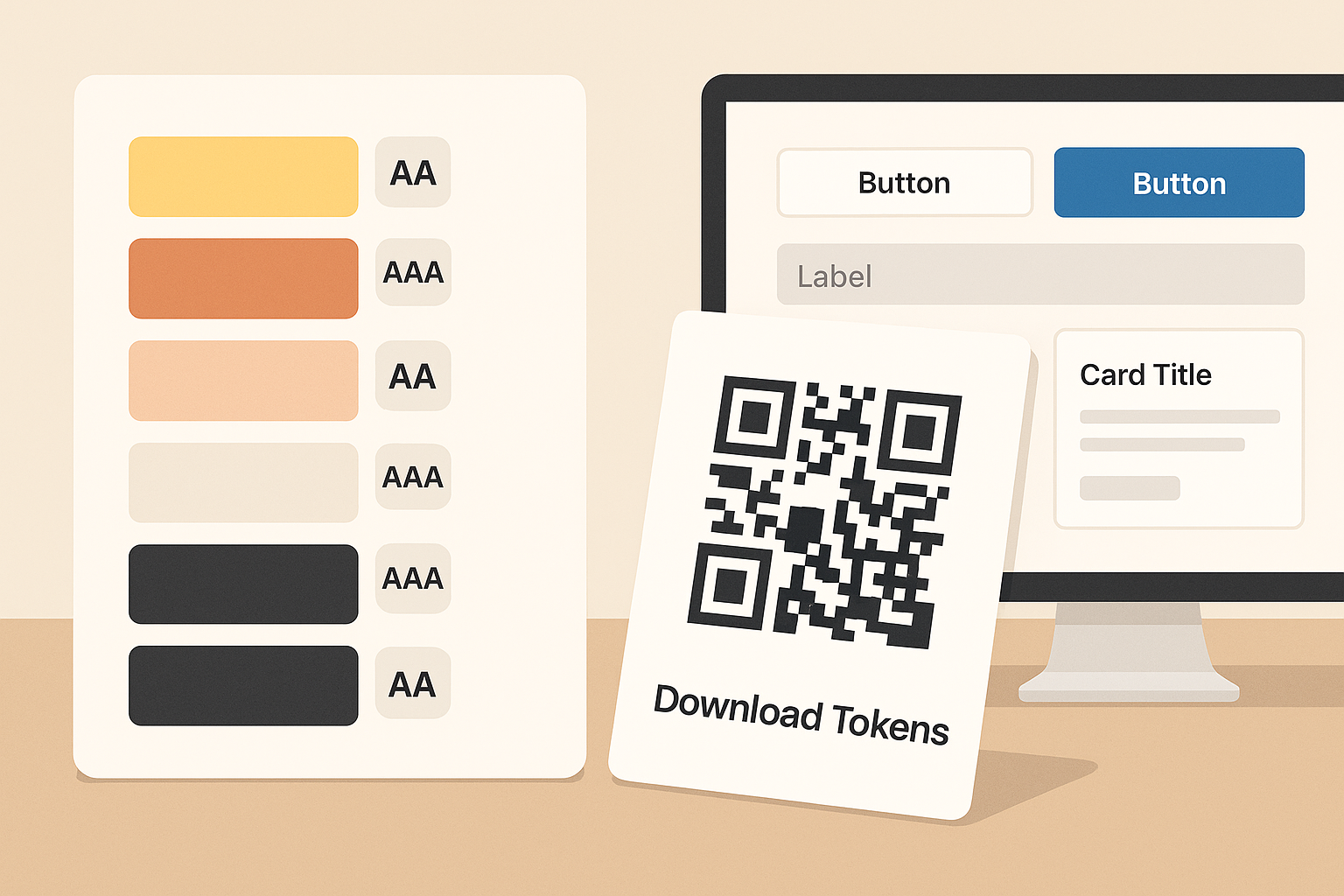
When a colorway wins, export tokens from Palette Vibe and link a new dynamic QR labeled “Download Tokens.” Stakeholders scan, grab CSS variables or Tailwind config, and implement. No messy email attachments; no outdated files. If accessibility needs a small tweak, update the tokens and the same QR delivers the fresh version.
Event and Retail Use Cases
- Pop-up booths: Swatch card with two QR codes—“Preview Theme” and “Vote for Your Favorite.” The second points to a tiny form so you capture preference and email if offered.
- Packaging tests: Two limited-run labels with different accent colors. Each label carries its own dynamic QR so you can read scan lift by SKU.
- Portfolio leave-behinds: A single QR on printed case studies that always loads your current palette system and component preview—no dead case-study links.
UTM Hygiene for Honest Data
Append UTM params to each destination (e.g., ?utm_source=poster&utm_medium=in-store&utm_campaign=palette-vote-Q4). That lets you compare physical placements vs. social shares vs. email signatures. Keep names short and consistent so your analytics are readable at a glance. If a channel underperforms, move the QR, change the prompt, or rotate the colorway. Decisions become surgical instead of vague.
Designing QR for Color Boards
- Use a quiet zone around the code and enough size for quick captures (1.2–1.5 inches on posters).
- Maintain strong contrast; do not bury QR in a mid-tone background close to its modules.
- Label each QR with a short verb: “Preview,” “Vote,” “Download Tokens.”
- For premium boards, add a micro-legend (AA/AAA badges) next to the headline so viewers trust your choices.
One Afternoon Pilot
- Build two Palette Vibe variants and export tokens.
- Publish two preview pages (Variant A and B).
- Create two dynamic QR codes with clear names and UTM tags.
- Print a letter-size board with both codes and a short prompt.
- Run it in-store or at the office for 48 hours; pick the winner by scans and qualitative comments.
The hard part of color is not generating swatches—it is choosing in context and proving the choice. Palette Vibe plus QR Scan Pro turns that into a repeatable workflow you can run for clients, products, and campaigns without reinventing the process each time.
Bonus: If your colorway supports dark mode, include a third QR that toggles a dark preview. You will catch issues (muted accents, low text contrast) days earlier than usual.
Ready to iterate with real feedback? Build your palette in Palette Vibe, then deploy it to the real world with a dynamic QR. You will get cleaner data, faster approvals, and fewer redesigns.
Helpful link: Palette Vibe color palette generator