QR code marketing tips, analytics, and playbooks

Real-world tactics for turning scans into leads. We cover dynamic QR codes, print-to-digital funnels, conversion best practices, and how to track results — especially for local service businesses.

0 posts 0 author(s)
From Swatches to Scans: Palette Vibe + QR Codes for Real-World Color Decisions banner

From Swatches to Scans: Palette Vibe + QR Codes for Real-World Color Decisions

By Quentin Hnilica • 2025-11-04~ min read

Workflow · Palette Vibe + QR Scan Pro

From Swatches to Scans: Connect Palette Vibe Color Systems to Real-World Engagement with QR Codes

Design decisions you can measure

Color work lives in two places: the design tool where you choose tokens, and the moment a real person reacts to your choices in the wild. QR codes bridge those worlds. With Palette Vibe, you build accessible, on-brand palettes with clear names and exportable tokens. With QR Scan Pro, you attach those palettes to posters, mood boards, packaging, and demo stations—then measure what actually resonates. The result is a loop that upgrades taste and outcomes: better palettes, better scans, better sales.

Make Palettes People Can Experience

A flat PNG of swatches is fine for internal review; it is weak for feedback. Instead, export Palette Vibe tokens (CSS variables, Tailwind, or JSON) and publish an interactive preview page where users can toggle themes, surfaces, and accents on real UI components. Place a dynamic QR code on your printed brand board that opens the latest interactive preview. Now the same board at your desk, in a conference room, or at a trade show stays current without a reprint. Dynamic codes push updates instantly.

AB-Test Colorways in the Real World

Create three Palette Vibe variants—e.g., Warm Amber, Cool Teal, and Neutral Slate. Publish each to a dedicated preview URL. Generate three dynamic QR codes and label them clearly. On a poster or countertop card, place the three codes side by side with short prompts like “Which mood reads best to you?” In QR Scan Pro, watch scans per variant and time-of-day patterns. If Amber wins mornings and Teal wins evenings, that is a usable insight for campaigns. You are learning in hours what used to take a week of opinion threads.

Close the Loop with Tokens

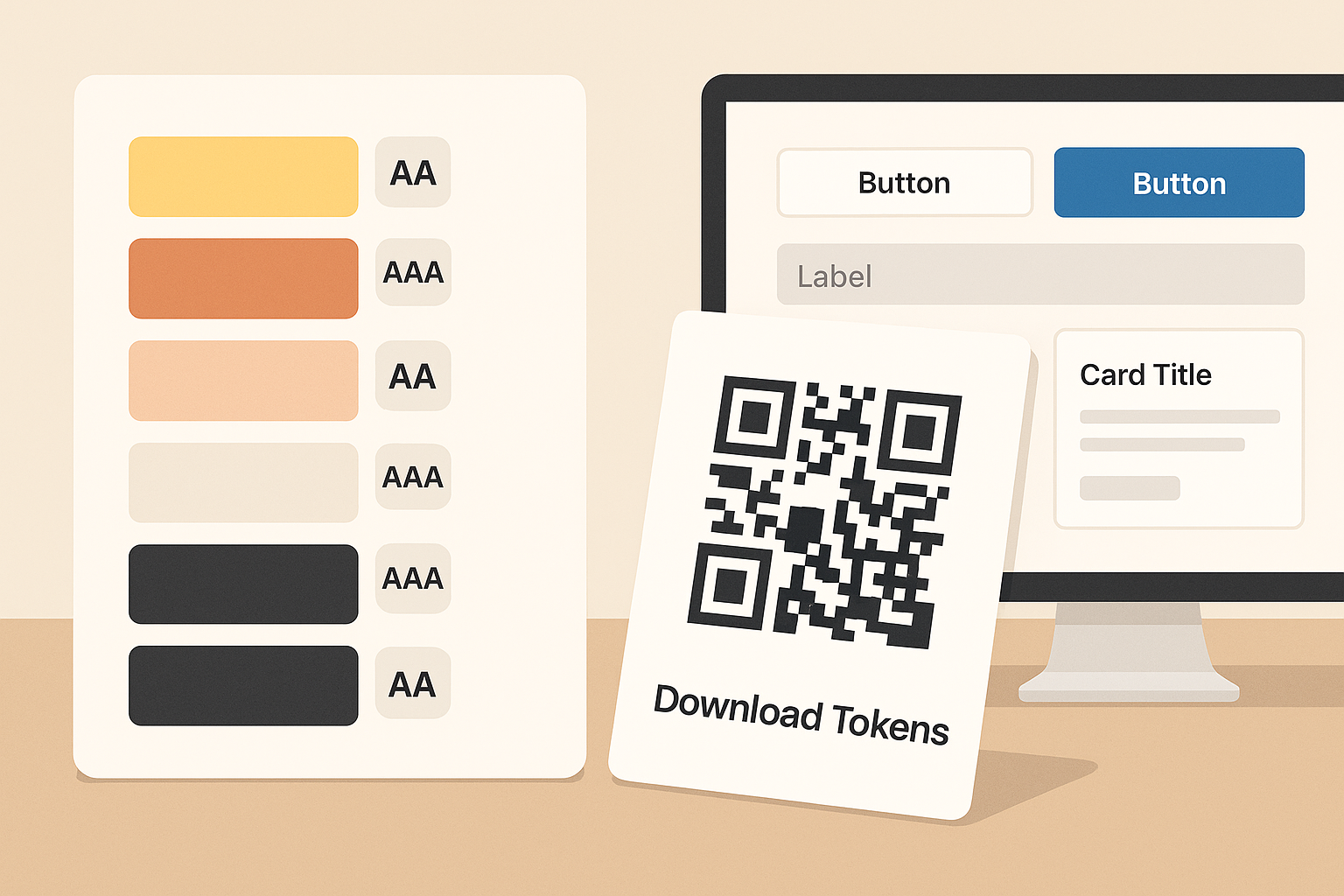
When a colorway wins, export tokens from Palette Vibe and link a new dynamic QR labeled “Download Tokens.” Stakeholders scan, grab CSS variables or Tailwind config, and implement. No messy email attachments; no outdated files. If accessibility needs a small tweak, update the tokens and the same QR delivers the fresh version.

Event and Retail Use Cases

  • Pop-up booths: Swatch card with two QR codes—“Preview Theme” and “Vote for Your Favorite.” The second points to a tiny form so you capture preference and email if offered.
  • Packaging tests: Two limited-run labels with different accent colors. Each label carries its own dynamic QR so you can read scan lift by SKU.
  • Portfolio leave-behinds: A single QR on printed case studies that always loads your current palette system and component preview—no dead case-study links.

UTM Hygiene for Honest Data

Append UTM params to each destination (e.g., ?utm_source=poster&utm_medium=in-store&utm_campaign=palette-vote-Q4). That lets you compare physical placements vs. social shares vs. email signatures. Keep names short and consistent so your analytics are readable at a glance. If a channel underperforms, move the QR, change the prompt, or rotate the colorway. Decisions become surgical instead of vague.

Designing QR for Color Boards

  • Use a quiet zone around the code and enough size for quick captures (1.2–1.5 inches on posters).
  • Maintain strong contrast; do not bury QR in a mid-tone background close to its modules.
  • Label each QR with a short verb: “Preview,” “Vote,” “Download Tokens.”
  • For premium boards, add a micro-legend (AA/AAA badges) next to the headline so viewers trust your choices.
One rule of thumb: previews should show real components (buttons, headings, cards), not just tiles. People respond to context; your data will be cleaner.

One Afternoon Pilot

  1. Build two Palette Vibe variants and export tokens.
  2. Publish two preview pages (Variant A and B).
  3. Create two dynamic QR codes with clear names and UTM tags.
  4. Print a letter-size board with both codes and a short prompt.
  5. Run it in-store or at the office for 48 hours; pick the winner by scans and qualitative comments.

The hard part of color is not generating swatches—it is choosing in context and proving the choice. Palette Vibe plus QR Scan Pro turns that into a repeatable workflow you can run for clients, products, and campaigns without reinventing the process each time.

Bonus: If your colorway supports dark mode, include a third QR that toggles a dark preview. You will catch issues (muted accents, low text contrast) days earlier than usual.

Ready to iterate with real feedback? Build your palette in Palette Vibe, then deploy it to the real world with a dynamic QR. You will get cleaner data, faster approvals, and fewer redesigns.

Read More → Share
Scan-to-Scene: Dynamic QR Codes + Light Reference for Frictionless Practice banner

Scan-to-Scene: Dynamic QR Codes + Light Reference for Frictionless Practice

By Quentin Hnilica • 2025-11-04~ min read

Workflow · Light Reference + Dynamic QR

Scan-to-Scene: Use Dynamic QR Codes to Open Exact Lighting Presets in Light Reference

Frictionless practice

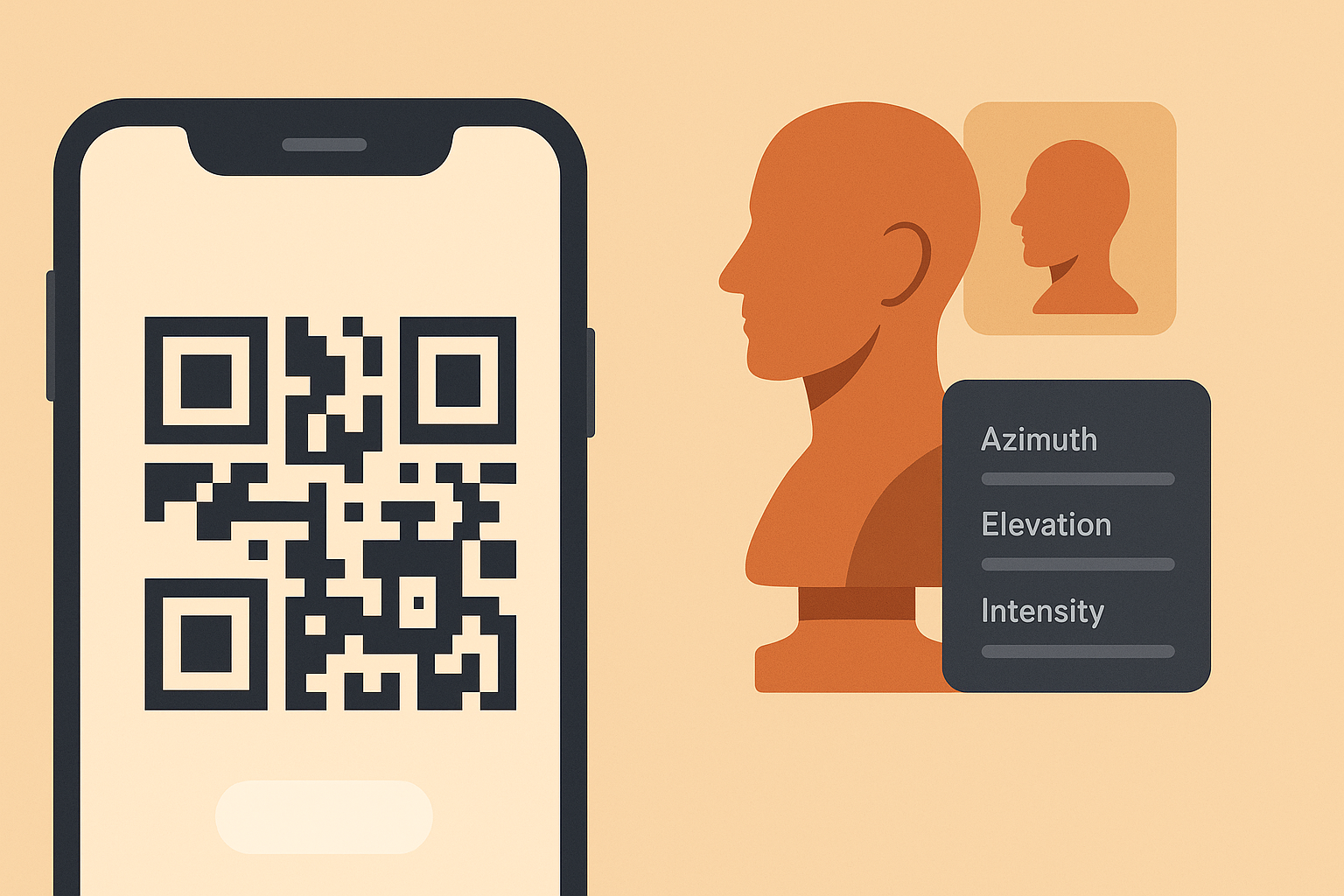
The slowest part of any practice session is not the drawing—it is the setup. When you have to hunt for a URL, load the app, pick the subject, and recreate yesterday’s light from memory, your warmup bleeds away. Dynamic QR codes remove that friction. With a single scan, your phone or tablet opens a preconfigured Light Reference scene: azimuth, elevation, intensity, even temperature—exactly how you saved it. Tape the code to your desk mat or sketchbook and you have a one-tap entry to practice. Less fiddling, more reps.

Why Dynamic (Not Static) Codes Matter for Artists

A static QR code is locked forever to one destination. If you printed “Tuesday Warm Interior” last month and now your curriculum has evolved, that print is out of date. A dynamic QR code lets you update the destination anytime from your dashboard. Keep the same physical sticker or handout; change the scene behind it. That single advantage pays off immediately for classrooms, study groups, and anyone iterating weekly drills.

Create Your First “Scene Link” in Three Steps

  1. Save a preset in Light Reference. Set a baseline like 45° azimuth, 30° elevation, medium intensity, neutral temperature. Copy the shareable URL or the query params used by your app’s preset system.
  2. Create a dynamic QR in QR Scan Pro. Use a descriptive title (e.g., LR — Soft Daylight 30elev) and paste the preset URL as the destination.
  3. Print/export the code. Add a short label under the QR so you remember what it opens. Done. The next time you scan, you land straight in the scene and start drawing.

Weekly Study Stacks (The Classroom & Team Favorite)

Build a Monday–Friday strip of codes on a single sheet. Example:

  • Mon — Soft daylight (cool key, 30° elevation)
  • Tue — Warm interior (warm key, 20° elevation)
  • Wed — Dramatic top light (neutral key, 65° elevation)
  • Thu — Cool rim with low fill
  • Fri — Mixed key + subtle rim

Students or teammates scan the day’s code, land in the same lighting, and you compare apples to apples. Feedback becomes specific: edge control under top light, cast shadow shape at low elevation, rim-light discipline, etc. Because your QR is dynamic, you can rotate Friday’s challenge scene monthly without reprinting.

Track Habits with UTM Parameters

Add labels to your destinations (e.g., ?utm_source=deskmat&utm_medium=print&utm_campaign=week3). In the QR Scan Pro analytics, you will see what gets used, when, and for how long. Patterns emerge: maybe Wednesday’s top light produces shorter sessions—good signal to simplify the subject or raise the fill. Maybe warm interior gets the most saves—double down with two variations next cycle. You are not guessing; you are measuring the real world.

Professional Kits for Events and Demos

Teaching at a workshop? Make a table-top tri-fold with three large QRs: “Cool Daylight,” “Warm Theatrical,” and “Rim-Heavy.” Attendees scan whichever matches the demo they want to follow. Back at home, the same printed piece is still valid because your codes are dynamic. Update the destinations to your newest presets and your tri-fold keeps working all year.

Mobile-First Practice

Light Reference runs great on phones when the controls are compact. A dynamic QR stuck to your notebook means ten-minute drills are viable between meetings: scan, draw, done. If your palette choices come from a color tool, load those tokens first (or keep a second QR for your palette reference). Practice becomes a habit because it is fast.

Best Practices for QR Placement

  • Use high contrast: dark code on light background, or vice versa. Avoid glossy laminates that reflect light.
  • Give the code breathing room (quiet zone) so cameras focus quickly.
  • Print at least 0.8–1.0 inches square for desk stickers; larger for posters.
  • Label each code with the preset name and a tiny hint (e.g., “30° elev / cool key / medium intensity”).
Dynamic Beats Static When Stakes Are Real. Static codes are fine for things that never change, like a permanent help page. Lighting drills are different—you should evolve scenes as your eye improves. Dynamic QR codes match that reality while giving you analytics that close the loop. More reps, better data, faster growth.

Try This 15-Minute Setup

  1. Create three Light Reference presets you actually want to draw this week.
  2. Make three dynamic QR codes (one per preset) with descriptive names and UTM tags.
  3. Print a small strip, tape it under your monitor, and start scanning.

Pro tip: Keep one extra dynamic code labeled “Today’s Challenge.” Point it to whatever scene you are avoiding. Change it daily from the dashboard without touching the paper.

Read More → Share
Why Your QR Codes Are Not Getting You Customers (And How To Fix It) banner

Why Your QR Codes Are Not Getting You Customers (And How To Fix It)

By Quentin Hnilica • 2025-10-27~ min read

Conversion Guide · QR Scan Pro
Make scans convert

QR codes should be more than just "scan me"

A QR code is not the goal. The scan is not the goal. The goal is what happens after the scan. Most businesses print a QR code on a flyer, menu, truck wrap, or business card and call it done. Then they are surprised when they get no new calls or messages from it.

If you are sending people to a generic homepage or a social media profile that is full of distractions, the code did its job. The landing experience did not.

Fix 1. Send people to one clear action

After someone scans, they should see only one next step. Call now. Book an appointment. Get a coupon. Sign up. That is it. One action. When they land on a regular website with ten links in the header, three popups, and a blog post from last year, they bounce.

High converting QR codes point to focused pages with one clear button. No scrolling required. No hunting.

Fix 2. Match the promise to the landing page

If your QR code says "Get 10% Off Your First Cleaning" and the page after the scan does not show that offer in the first two seconds, you just broke trust.

The scan experience should feel like: "I scanned, I got exactly what I was told I would get, and I know what to do next."

That is how you turn a casual scan into an actual lead.

Fix 3. Make it fast on mobile

Ninety percent of QR scans are on phones. Longer load time means fewer people even reach your offer. If the page takes forever to load on weak mobile data, you are quietly losing conversions.

A scan experience should feel instant. Clean layout. Large tap targets. No pinch zoom. If they have to zoom, you are losing them.

Fix 4. Track the scans

You cannot improve what you do not measure. You should know:

  • How many total scans did this code get
  • How many unique people scanned it (not just repeat testers)
  • Where they were when they scanned (region or city level)
  • What time of day gets the most scans

This is how you answer real money questions, like: "Is this trade show banner actually worth it" or "Does the code on the truck get more scans than the code on my front door"

Fix 5. Change the destination without reprinting

Here is a huge detail most people miss. If every version of your QR code is hard linked to one URL forever, you are stuck. If the offer changes, you have to reprint the code everywhere. That is a waste of money.

You want the ability to update where the code points after it is already printed and out in the world. That way the physical code on your menu, yard sign, or postcard lives forever, and only the destination changes.

The simple test

Scan your own QR code right now. Ask yourself:

  • Do I immediately understand what I am supposed to do
  • Is there something in it for me, or is it just "visit our website"
  • Could I take the action in under ten seconds with one thumb
If the answer to any of those is no, the code is not broken. The funnel is. Fix the funnel and you fix the conversion rate.
Read More → Share
What Your QR Scan Data Can Tell You About Your Customers banner

What Your QR Scan Data Can Tell You About Your Customers

By Quentin Hnilica • 2025-10-27~ min read

Analytics Guide · QR Scan Pro
Turn scans into signals

Most business owners never look at scan data

You hang a sign. You put a QR code on it. People either contact you or they do not. That is usually where the thinking stops.

But there is a missing layer. The scan itself is a signal. Someone pulled out their phone in real life and said "I am curious about this right now." That is a warmer lead than a random website visit.

Metric 1. Total scans

Total scans tell you how many times the code was scanned overall. This is useful for testing placement.

Example: You put one QR code on your storefront window and one on your work truck. After a week, the truck gets 63 scans and the window gets 4. That tells you where attention is actually coming from.

If you only look at form fills or calls, you miss this step.

Truck
63 scans
Window
4 scans

Metric 2. Unique visitors

Unique visitors helps filter out noise. You want to know how many actual people scanned, not how many test scans you did yourself or how many times your cousin tried it.

This number is a better read on true interest.

Metric 3. Location

Location level insights (city or region) tell you where people are scanning from. For local service businesses this is huge.

If you are getting most scans from one town over, maybe that is where you should be running door hangers, postcards, or sponsoring a local event. If you are getting zero scans from an area you thought would convert, that is also useful. It may mean nobody is seeing your sign there.

Metric 4. Time of day and day of week

When are people scanning. Morning commute. Lunch hour. Late night. Weekend versus weekday.

Timing tells you when your offer matters most. If the scans spike on Saturday at noon, that might be when your promo should be strongest, because that is when people are already in decision mode.

This also helps you understand intent. Scans at 1:30 AM probably are not shopping for a bathroom remodel. Scans at 12:15 PM probably are.

Metric 5. Which offer wins

You can run two different QR codes with two different hooks and see which one people actually act on.

  • "Get a free estimate right now"
  • "Get 10 dollars off your first service"

By comparing scans and follow through, you stop guessing what people want to hear. The data tells you.

Why this matters more than website analytics alone

Website analytics are great at telling you what people do after they have already found you. QR analytics tell you how people discover you in the real world.

A QR scan is basically physical world intent. That is insanely valuable for any local or mobile business.

Tip: Tag your destinations with short UTM parameters (?utm_source=truck&utm_medium=print&utm_campaign=spring) so you can separate placements at a glance.

Practical next step

If you are printing QR codes without tracking them, you are guessing. When you start tracking, you can move marketing budget toward what works, cut what does not, and prove return on physical ads instead of hoping.

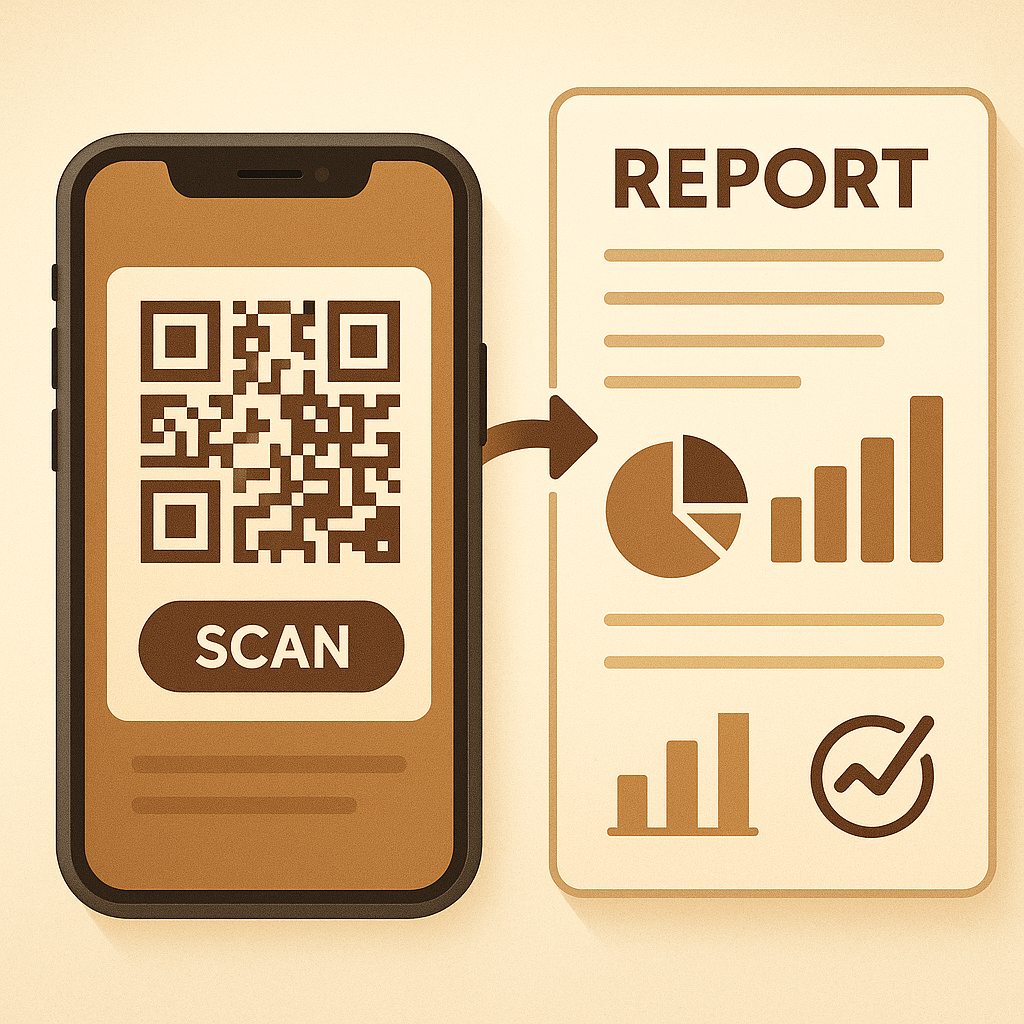
Total scansUnique visitorsLocationTime of dayOffer tests — focus on these five, and every print piece becomes a measurable channel.

Read More → Share
Dynamic QR Codes vs Static QR Codes For Small Business banner

Dynamic QR Codes vs Static QR Codes For Small Business

By Quentin Hnilica • 2025-10-27~ min read

What is a static QR code

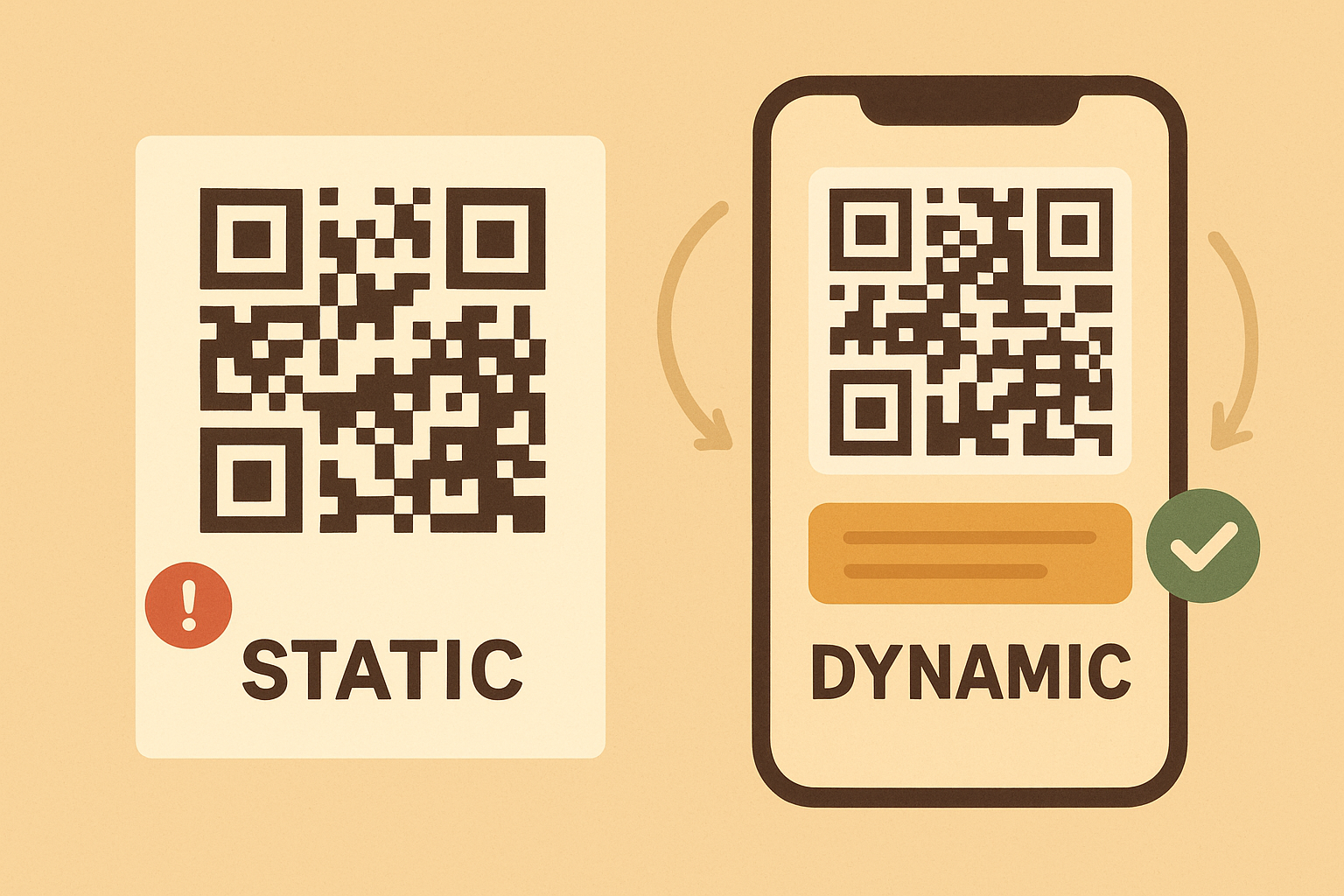
A static QR code is a code that always goes to the same exact URL forever. You generate it once, you print it, and that is it. If you need to update the offer or change the landing page later, you have to generate a brand new code and reprint everything.

Static is fine for something that will never change, like a permanent menu PDF or a Wi Fi login sign. It is not great for marketing.

What is a dynamic QR code

A dynamic QR code is editable. The code itself stays the same, but you can update where it points in your dashboard.

That means you can change your promo, your booking link, your lead form, or your call to action without touching the physical print.

Why dynamic saves money immediately

Imagine you paid to print 500 door hangers with an offer like "Free roof inspection this weekend." Next month, that weekend special is over. If you used a static code, the door hangers are useless.

If you used a dynamic code, you log in, switch the destination from the old offer to the new offer, and all of those physical hangers are still valid.

No redesign. No reprint. No wasted boxes in storage.

Why dynamic gives you freedom to test offers

Marketing is not about saying one thing forever. It is about saying the thing that is working right now.

With dynamic codes, you can do real world A / B style testing:

  • Week 1 points to a simple call now page
  • Week 2 points to a quote request form
  • Week 3 points to a limited time coupon

You compare scan counts and submissions, then you keep the winner. You are not guessing anymore. You are measuring.

Why dynamic helps with seasonal or event based marketing

Car wrap with a QR code. Booth banner at a trade show. Yard sign after a job. Table tent in a restaurant.

All of those placements can stay physically identical all year, while the message behind the code changes for holidays, slow season promotions, new services, or emergency offers.

You are basically giving yourself a live editable ad in the real world.

Last point. Professionalism

Nothing feels worse than scanning a QR code and landing on an error, an expired deal, or something that says "Coming soon." People will not try twice.

Dynamic codes let you keep that first impression clean. No dead links. No outdated coupon from six months ago. You control what people see.

Who should be using dynamic codes today

If you hand out printed material, work on site, go to events, or run promos that change often, you should not be printing static codes. You are burning money and losing data.

If your info never changes, static is fine. Everyone else should be using dynamic.

Read More → Share

Ready to use dynamic QR codes?

Create a QR code you can update later, track scans, and see which offer actually pulls leads — without reprinting.

Generate your first code →